 daylight
THE DAYLIGHT BACKGROUND GALLERY
Find your next
video call background.
Thirteen living spaces for your next video call. Find a quiet room, an open view or somewhere in between.
Actual Daylight background imagery. These are generated scene assets, not webcam or meeting footage. Each pack includes six times of day across five weather conditions.
New to Daylight? Get the Windows 11 app · Download for Mac · How scene packs work in a call
13 scenes · Clear · Morning. Scene packs open in the Daylight desktop app.

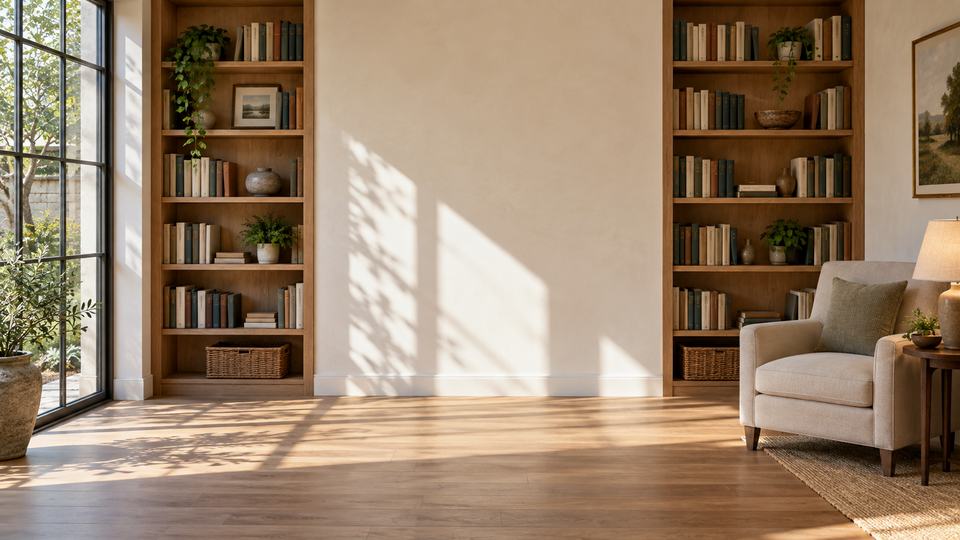

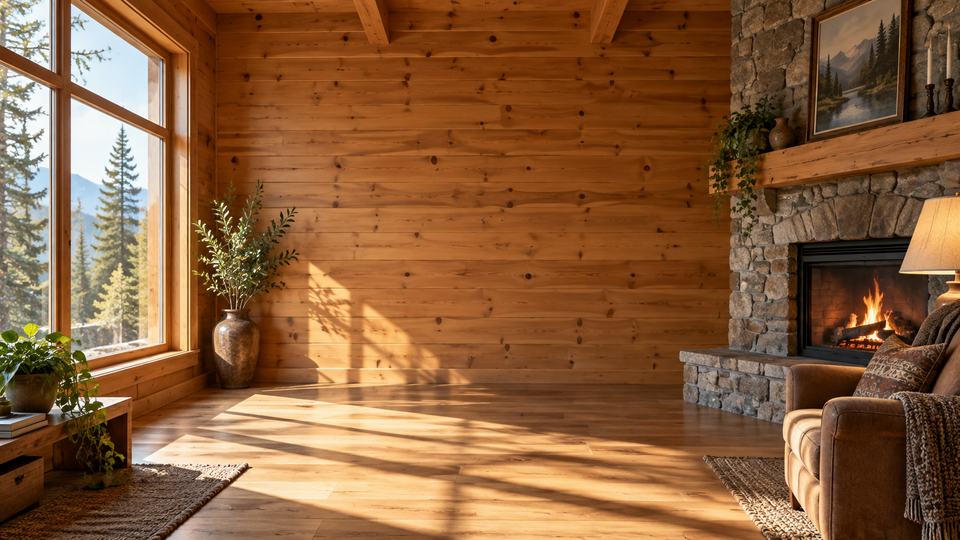
ROOM · 30 CONDITIONS
Woodland cabin
A slower pace among the trees.
Clear · Morning
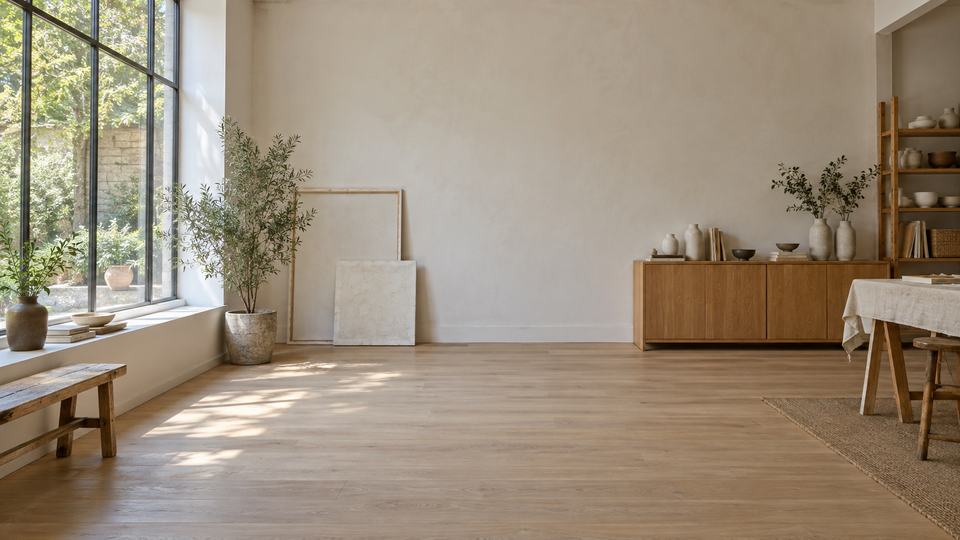
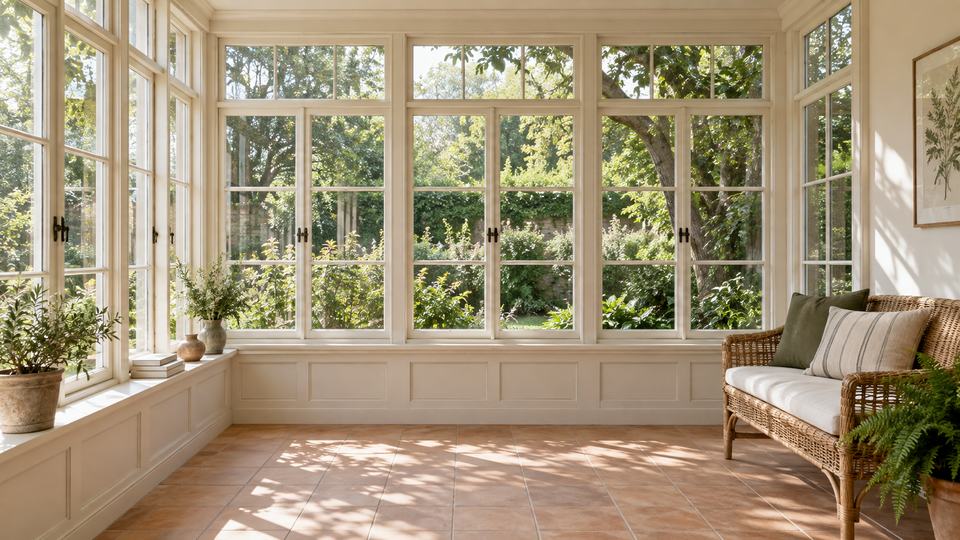
ROOM · 30 CONDITIONS
Garden sunroom
A quiet corner of the garden.
Clear · Morning


OUTDOOR · 30 CONDITIONS
Forest clearing
Take a moment beneath the trees.
Clear · Morning
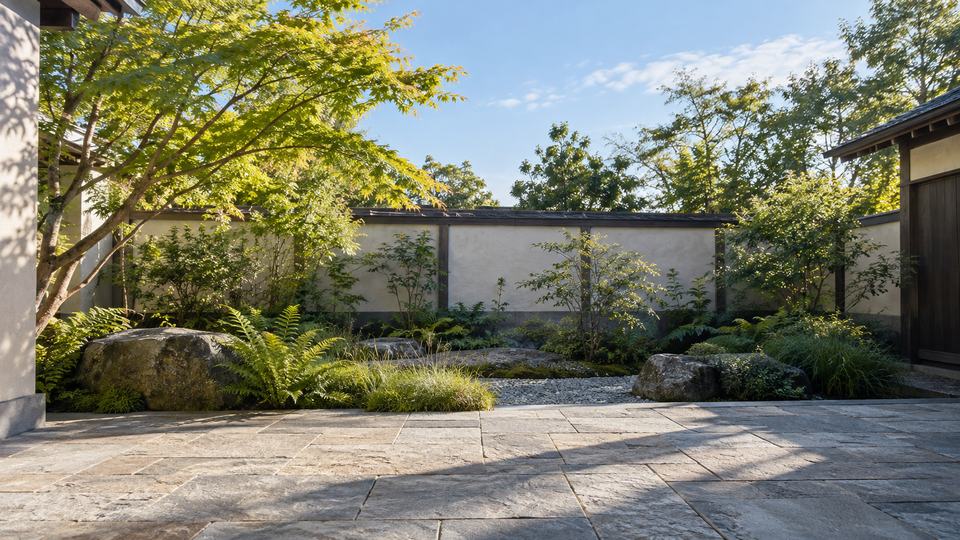
OUTDOOR · 30 CONDITIONS
Courtyard garden
A sheltered place to pause.
Clear · Morning
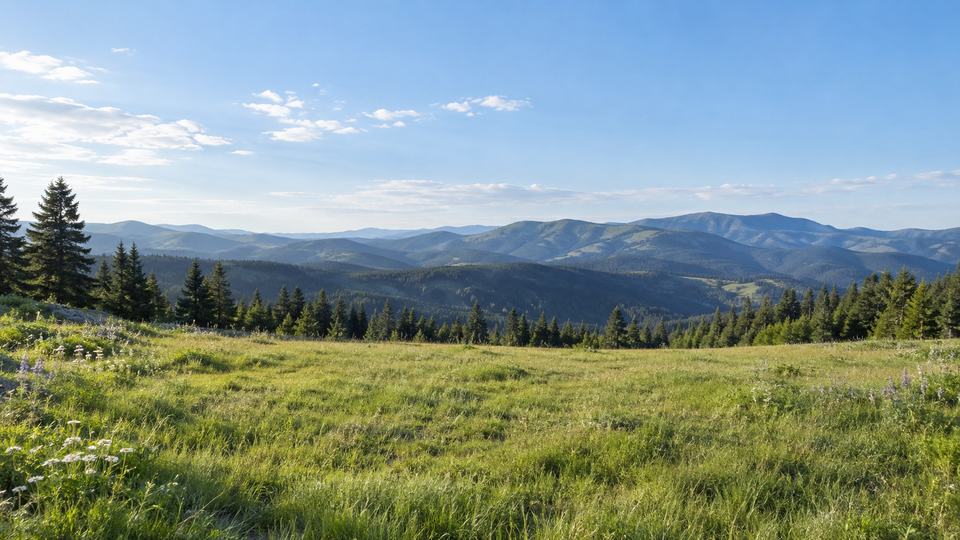
OUTDOOR · 30 CONDITIONS
Alpine meadow
A little closer to the sky.
Clear · Morning

OUTDOOR · 30 CONDITIONS
Quiet dunes
Space to let your thoughts wander.
Clear · Morning

OUTDOOR · 30 CONDITIONS
Sailboat cockpit
A teak sailing yacht moving with the weather.
Clear · Morning
FROM A SCENE TO A CALL
Choose here. Use it in Daylight.
How do I use a scene pack?
Download a pack and open or import it in Daylight. Start your webcam and Daylight’s virtual camera, then select Daylight in a meeting app that accepts it. Keep Daylight open. A pack is a background asset, not an app installer. Follow the setup steps.
Can I try this without an account?
Yes. The core camera and these hosted scene packs work without a Daylight account. Optional AI creation uses an account and credits. Private team backgrounds require signed-in membership.
What changes during a call?
Daylight blends authored scene conditions as time and optional weather change. It is not a repeating movie or continuous 3D simulation. Play the 30-second scene demo or read how to choose a natural background.
Does this website use my webcam?
No. This gallery only shows background images. In the desktop app, webcam segmentation runs on your computer; your meeting app handles the call. Understand local and cloud processing.
Found your space?
Bring it into your next call with Daylight.
Get Daylight for Windows Mac and direct downloads